









.png)

.png)





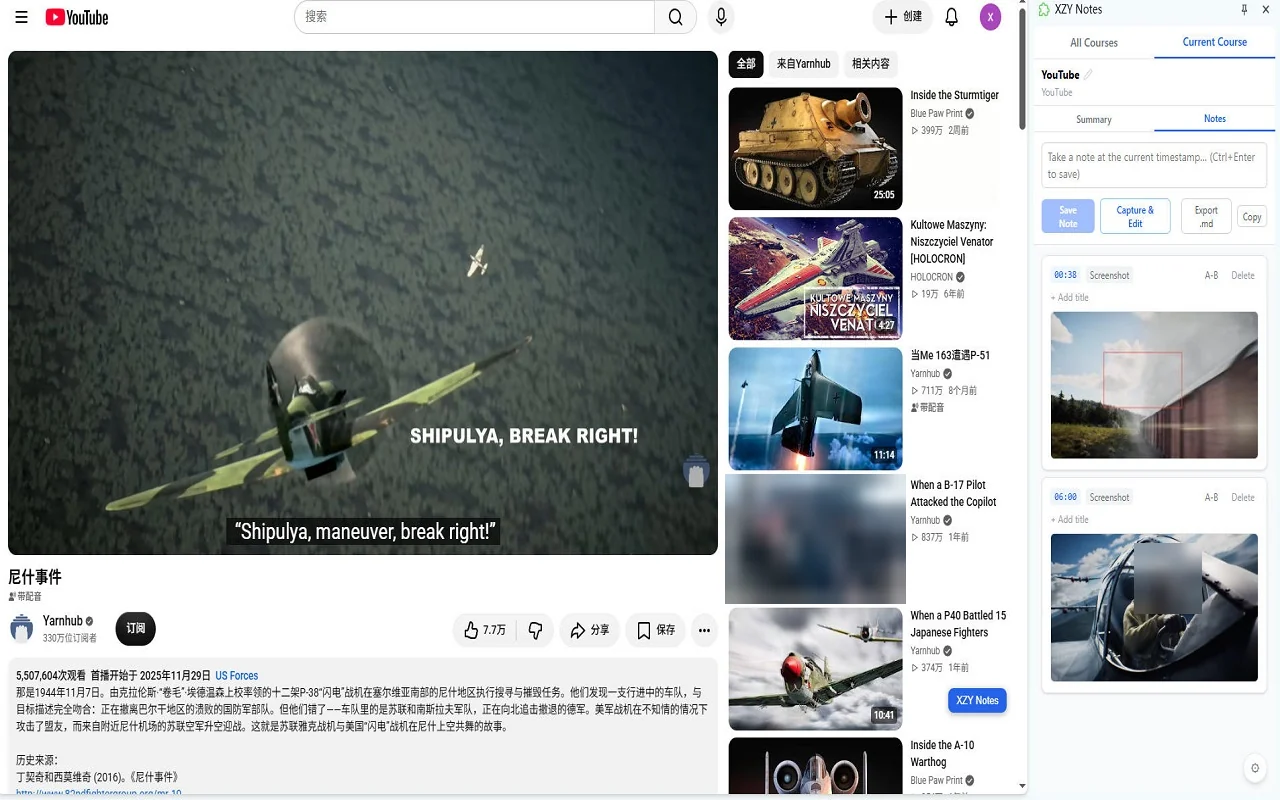
Screenshots become notes
Capture the current video frame without pausing, then annotate the details that matter.
 Empowering Growth Through Intelligence

 OPEN SOURCE
Turn every online lesson into knowledge you can keep.
A free, open-source browser extension for video screenshots, timestamped notes, subtitle search and local transcription, right beside your course.
No account or setup required. Search for “XZY Notes” in your browser's extension store and select the official XZY release.
After installation, open an online course and select the XZY Notes icon in your browser toolbar to start taking notes.
Spend less time switching windows and scrubbing timelines, and more time learning.
Capture the current video frame without pausing, then annotate the details that matter.
Every note points to its exact video moment. Select it to revisit or replay a key section.
Turn course subtitles into a searchable timeline and find the explanation you need.
Turn courses without subtitles into searchable text locally in your browser, even offline after the model download.
Organize long lessons into clear chapters so you can understand the structure and review with direction.
Export screenshots, notes, chapters and timestamps to Obsidian, Notion or your favorite Markdown tool.
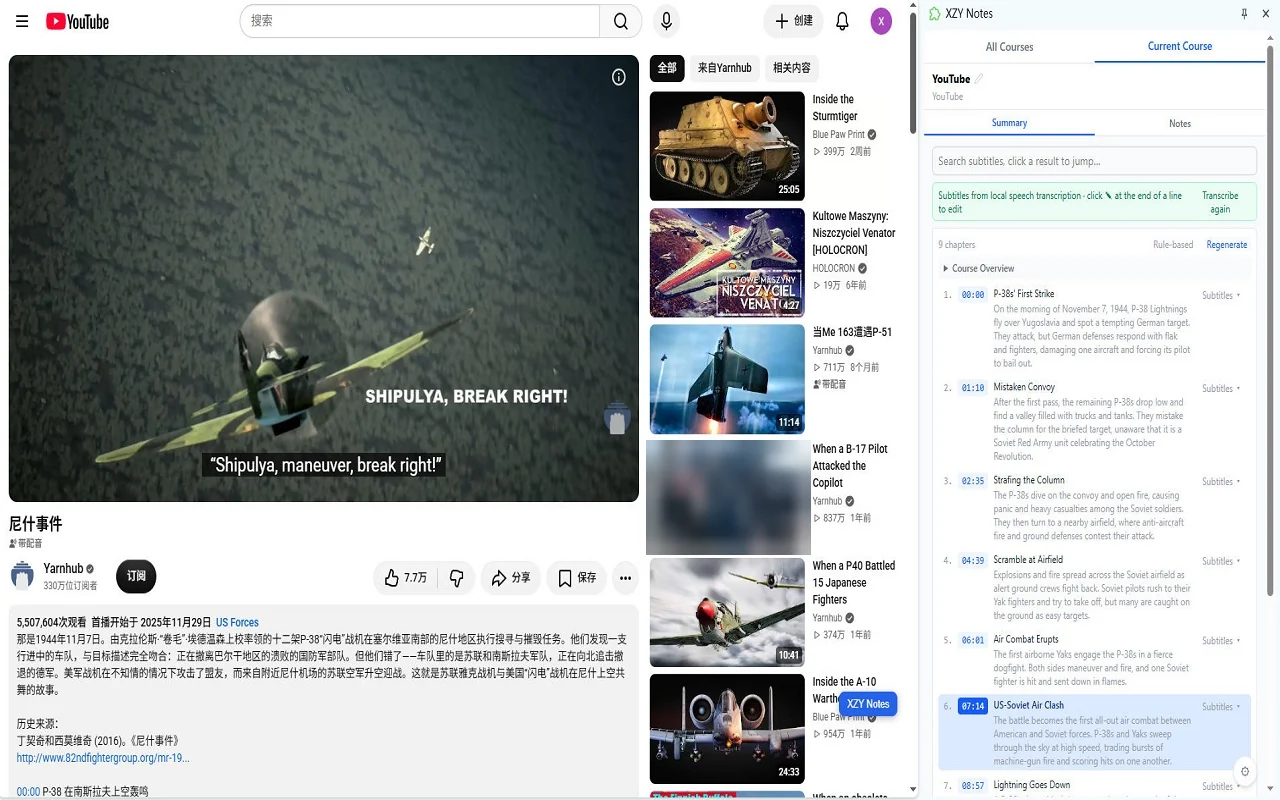
Search complete subtitles, follow the transcript as you watch and select any line to jump back. Chapter outlines help you see how the whole course fits together.
Keep screenshots, notes and transcripts together for every course. Review them in the built-in library or take them with you through Markdown export and local backups.
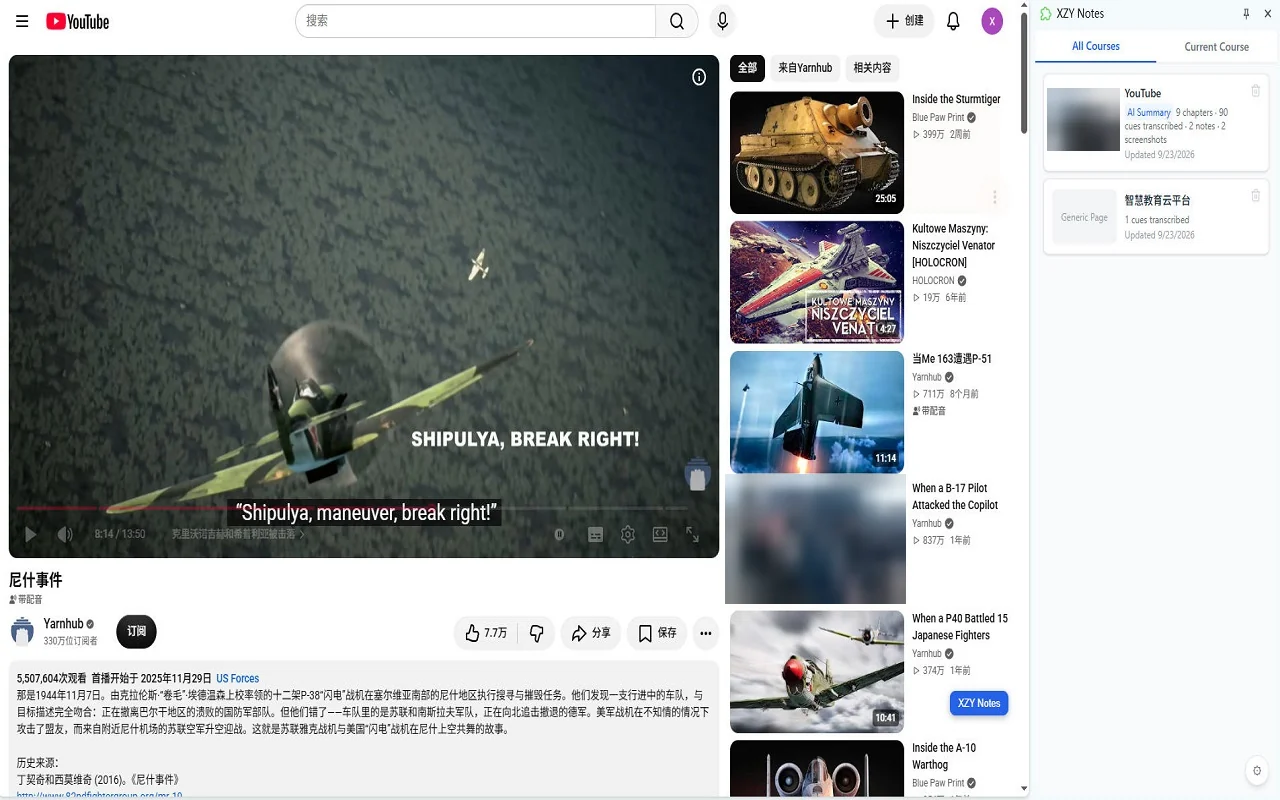
No accounts, cloud sync or data reporting. Course notes and screenshots stay on your device by default, with Markdown export and local backups to keep your work portable.
 Explore on GitHub
MIT License · Stars, feedback and contributions welcome
 北京市海淀区西北旺东路中兴通大厦A座208
 010-62981135